Execute the application, without any parameter
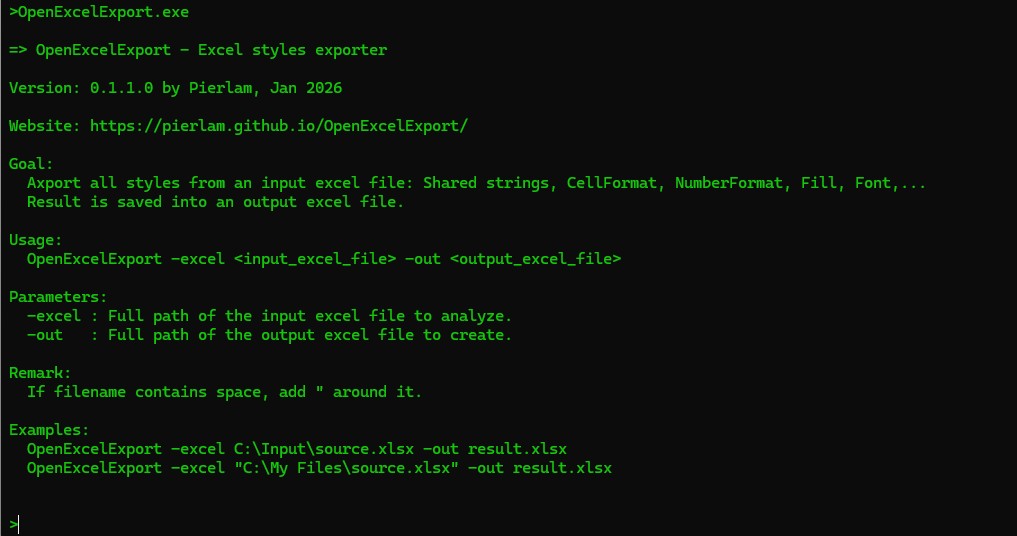
Open a Command Terminal and execute the application without any parameter.
In this case a short help will be displayed:
Execute the application but the Excel file doesn't exists
If you try to analyse an Excel which does not exists, an error will be displayed.

Execute the application on an Excel file
You have to analyse the content of an Excel file, execute the application and provide the two expected parameters:
1- The excel file to analyse,
2- the Excel result output file.

After analysis is completed, you can open the result excel file. more details here
If you have trouble to execute the application, please take a look on this page: download and install